A visual résumé
Put the career highlights and expertise you choose into a format people can scan.
A visual résumé. A digital business card. A better introduction.
Bring your portrait, experience and expertise together in one distinctive professional Spotlight. Show people who you are and the conversations you welcome.
No account required to create a Professional Spotlight. Creating one does not grant HCITalks membership.
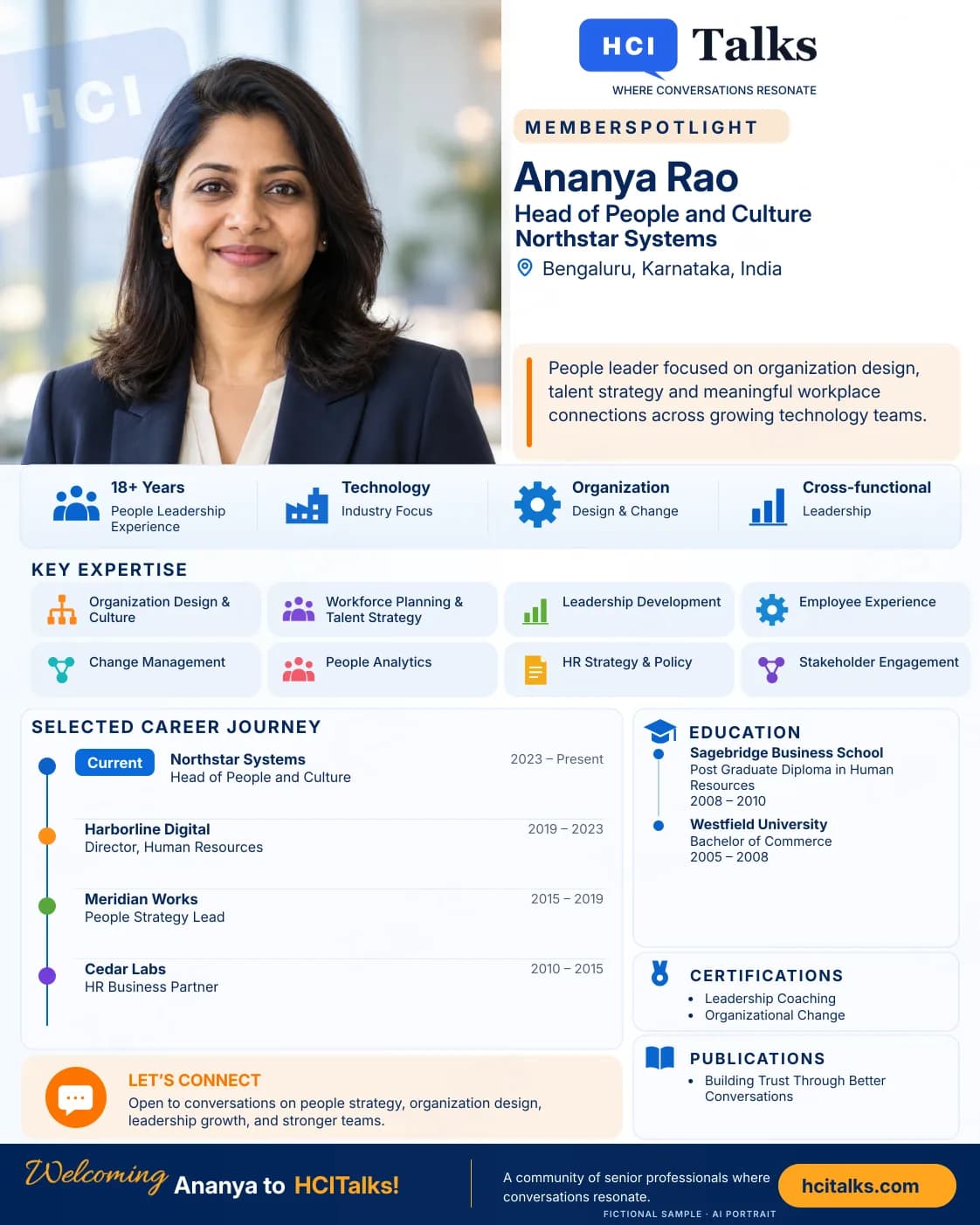
Put the career highlights and expertise you choose into a format people can scan.
Give a new connection a clear picture of your work and the conversations you welcome.
Download your finished image and use it where a visual introduction helps.
A Spotlight brings the pieces of a professional story together: a strong portrait, a clear current role, the work you focus on and a selected career journey.
Lead with your portrait and the role you want people to understand.
Highlight expertise that gives others a reason to start a relevant conversation.
Bring selected roles into one easy-to-follow career timeline.
This sample uses a fictional person, fictional organisations and an AI-generated portrait. Your Spotlight uses only the details you review and approve.
Add your portrait and paste professional details, upload a LinkedIn PDF, or enter a few facts yourself.
Review your name, role, company, expertise and career highlights. Edit or remove anything you do not want included.
Create your Spotlight, download the image and edit the caption. A personal LinkedIn post requires a separate connection and exact-post approval.
Download your finished image and decide where to use it. Linking your personal LinkedIn account is optional; publishing there requires your approval of the exact image and caption.
HCITalks publication permission is required before generation. Privacy and publication choices